

Protected relays
A relay is sometimes installed on a machine that belongs to someone else: a partner or a customer whose host may hold personal data. On such a machine, run the relay in protected mode. In protected mode an Opfield administrator cannot get into the host through the relay, and only the machine’s owner can turn protected mode off.
What an Opfield administrator cannot do
Section titled “What an Opfield administrator cannot do”- No console. The relay refuses the interactive shell, one-shot commands (including those from the AI assistant and MCP), and console input.
- No files. The relay refuses every host file operation: browse, read, write, upload, move, and delete.
- No host diagnostics. Health reports carry only aggregate CPU, memory, swap, load, uptime, file descriptor, and free disk figures. They contain no disk mounts, disk I/O, network interfaces, IP addresses, CPU model, or kernel version, and the relay does not look up its public IP address.
- No other commands. The relay runs only its own work and refuses everything else Opfield sends, including commands that later Opfield versions add, with an error that says the relay is protected.
What Opfield can still do
Section titled “What Opfield can still do”- route traffic through the relay;
- drain and resume it;
- renew its certificate;
- read the relay’s own logs and route counters;
- update it.
Updates install only official releases signed with the release key built into the relay, as on every node. A protected relay accepts no update to an older release than the one it runs, because an older release could predate protected mode; a Relay Pool update that tries reports the refusal and returns the relay to service. A protected relay also refuses to serve the built-in services of the Opfield host, such as the internal registry; only the local relay next to Opfield serves those.
Protected mode belongs to the machine owner
Section titled “Protected mode belongs to the machine owner”The setting lives only in the relay’s local configuration file, /etc/opfield-relay/config.yaml (/etc/gateway-relay-supervisor/config.yaml on a relay installed before 2.12.1 that has not moved to the Opfield names yet), which is readable by root and, on a non-root install, by the relay’s run user. Opfield has no command that changes it, and a protected relay refuses every command that could write that file.
Install a new relay protected
Section titled “Install a new relay protected”In the relay setup dialog, tick Protected relay. It adds --protected to the generated install command. Running the installer again keeps protected mode on; the installer never turns it off.
Turn it on or off on an existing relay
Section titled “Turn it on or off on an existing relay”As root on the relay host:
relay-supervisor protected statusrelay-supervisor protected on # or: relay-supervisor protected offsystemctl restart opfield-relay-supervisor # OpenRC: rc-service opfield-relay-supervisor restartrelay-supervisor protected on|off writes the setting into the configuration file and keeps everything else in it, and prints the restart command for this machine: a relay that has not restarted since it moved to the Opfield names still runs as gateway-relay-supervisor. Editing the file by hand works the same way:
protected: enabled: true allow_database_witness: falseThe change applies when the relay supervisor restarts, and the relay reports it when it reconnects.
Database witnesses
Section titled “Database witnesses”allow_database_witness (default false) lets Opfield run database and storage witnesses on the protected relay. Without it, Opfield does not place a witness there, and Settings → Relay shows “Protected relay: needs local opt-in” even when an administrator allowed witnesses on that relay. The setting has no effect while protected mode is off.
What you see in Opfield
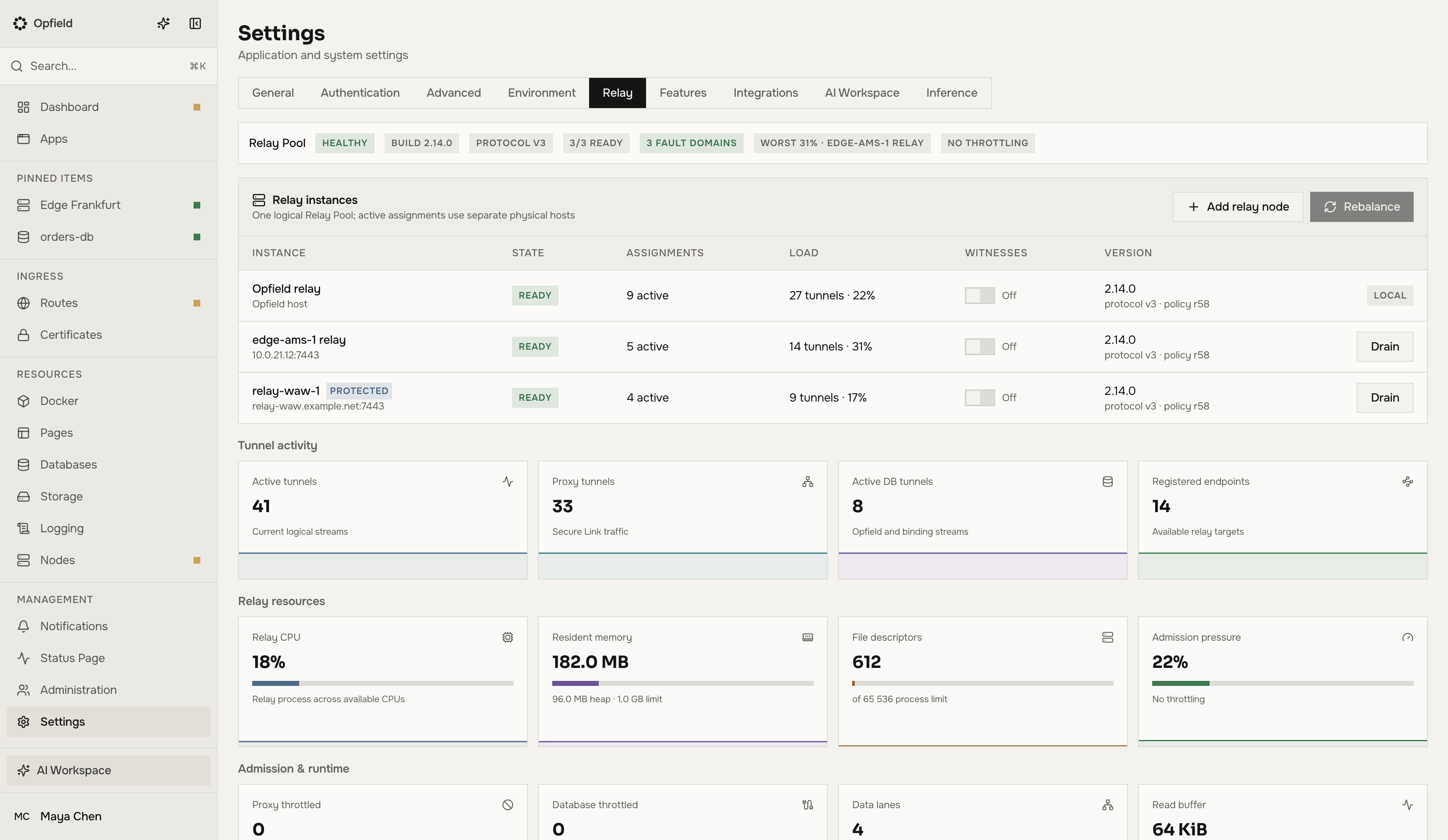
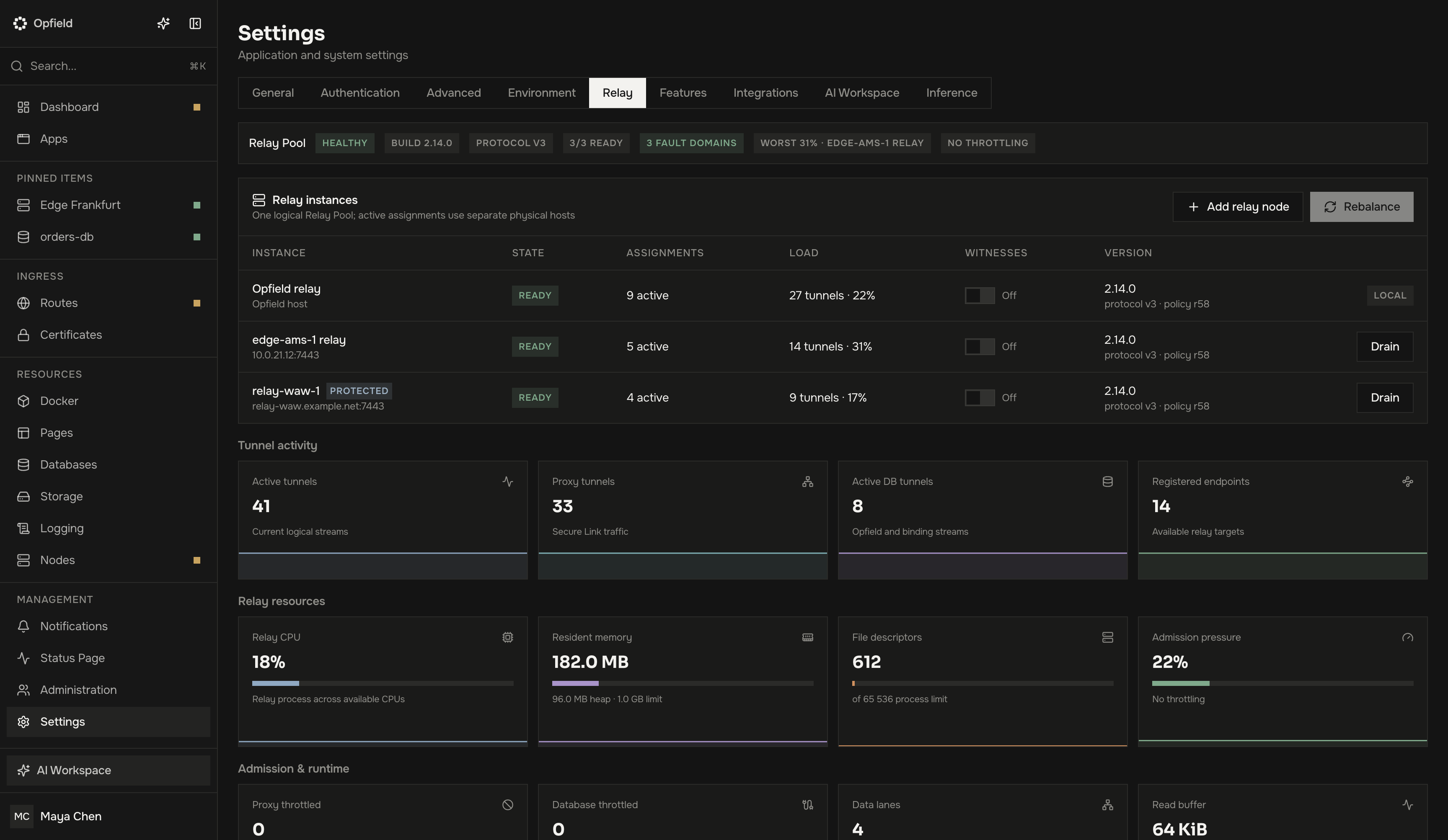
Section titled “What you see in Opfield”- A Protected badge on the relay in Nodes, on its node page, and in Settings → Relay (
protected: trueinGET /api/system/relay). - No Console or Files tab on its node page, and no console or file commands for it in the command palette.
- The API, the AI assistant, and MCP refuse console and host file requests for it with
409 NODE_PROTECTED.
Protected mode needs a relay from 2.12 or later. It does not change how the relay carries traffic; see Relay and Relay Pool.